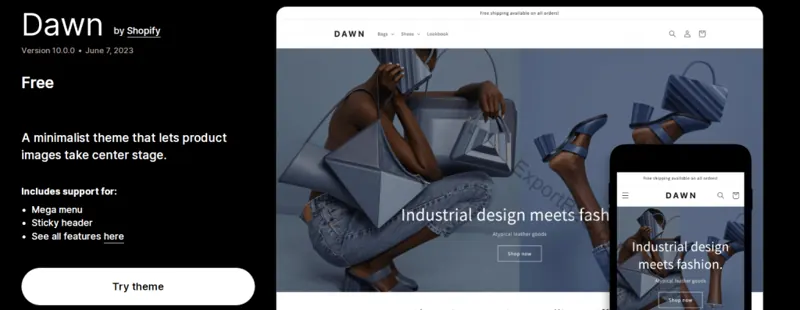
Test three storefront pages first
Use actual merchandise to preview the homepage, a collection and a product page in an unpublished copy of the theme. Choose a product with differently proportioned images and several options. Check cropping, variant selection and the purchase button.
Set the brand styles before editing sections
Choose the primary color and typography hierarchy before arranging the featured collections and navigation. Use sections and blocks in the product template for specifications, delivery notes, care instructions or frequently asked questions.
Decide whether to keep Dawn
Keep the theme if shoppers can understand specifications and options. For complex filters, bundles or additional layouts, list the requirements and compare the ownership costs of themes, apps and custom development. Preview and test the purchase path on a phone before publishing.